




 DriveLock
1 min read
How companies can benefit from two-factor authentication?
Cyber risk is a primary concern for every organization leveraging technology and online services. The constant threat of sophisticated attacks...








Data breaches, phishing attacks, and credential stuffing are just a few of the dangers lurking around every corner. A simple username and password just isn't enough to protect your valuable information anymore. That's where Multi-Factor Authentication (MFA) comes in.
This crucial security measure adds layers of protection, making it significantly harder for unauthorized individuals to access your accounts, even if they manage to steal your password. In this post, we'll delve into the world of MFA, exploring what it is, how it works, and why it's absolutely essential for everyone in the digital age.
Multi-factor authentication (MFA) is a security mechanism that adds an extra layer of protection to user accounts and systems. It requires users to provide multiple forms of identification or authentication factors to verify their identity. Typically, MFA combines something the user knows (like a password or PIN) with something they have (such as a smartphone or security token) or something they are (like biometric data such as fingerprints or facial recognition).
By requiring multiple factors, MFA significantly reduces the risk of unauthorized access, as an attacker would need to possess multiple pieces of information to bypass the authentication process. This method has become widely adopted in various domains, including online banking, email services, and corporate networks, to enhance security and protect sensitive information.
There are many examples of MFA authentication:
Knowledge: something a user knows, such as passwords.
Possession: something the user has, such as an access badge or an OTP sent to an email address.
Inherence: something the user can prove, such as fingerprints or behavioural analysis.
Time: a time window such as OTP.
Security measures are important to protect sensitive data. But what do terms like 2FA, MFA and SSO actually mean and how do they differ? To give you a better understanding, we have summarised the most important differences between these authentication methods in a clear list:
Our need for simplicity and often by utilising the same password for multiple accesses becomes one of our biggest cybersecurity vulnerabilities. Accessing your devices, emails, and accounts can be a chore especially when having to remember complicated and irrelevant passwords. But having simple passwords can backfire when it comes to hackers. Reliance on passwords alone leaves companies vulnerable, especially with weak passwords such as; 123456 which topped 2018 as the most commonly used and hacked password.
The increasingly realistic phishing emails and with the media regularly reporting about new leaks, almost all websites demand minimum lengths and character combinations to make passwords more secure. More companies are developing the cybersecurity awareness of their employees with training courses.
In Singapore, 60% of businesses agree that their cybersecurity practices are outpaced by the rapidly expanding nature of cloud applications. Other inept security practices which allow cybercriminals to compromise your data include a lack of encryption appliance and multi-factor authentication. While data breaches can have a clear impact on a business' bottom line, it is not only the sophisticated cloud technology that has increased this problem but also the elementary security practices of most companies.
The synergy between Multi-Factor Authentication (MFA) and robust password managers significantly elevates an organization's security posture, a crucial consideration for IT specialists across healthcare, manufacturing, and critical infrastructure. While MFA adds essential layers of verification beyond just a password, password managers complement this by generating and securely storing unique, complex credentials for every online service. This combination mitigates risks such as credential stuffing and phishing, as even if an accident of compromised passwords happens.
For professionals managing numerous accounts, a password manager simplifies compliance with strong password policies and reduces the burden of remembering intricate passwords, thereby fostering a more secure and efficient operational environment without sacrificing usability. Furthermore, many advanced password managers integrate directly with MFA solutions, enabling the secure storage and automatic input of one-time passcodes (OTPs) or facilitating biometric prompts, which streamlines the login process while maintaining a high level of protection. This dual approach is particularly valuable in environments handling sensitive data or operating critical systems, where unauthorized access can have severe consequences.
Find out more topics explaining password usage in the companies:
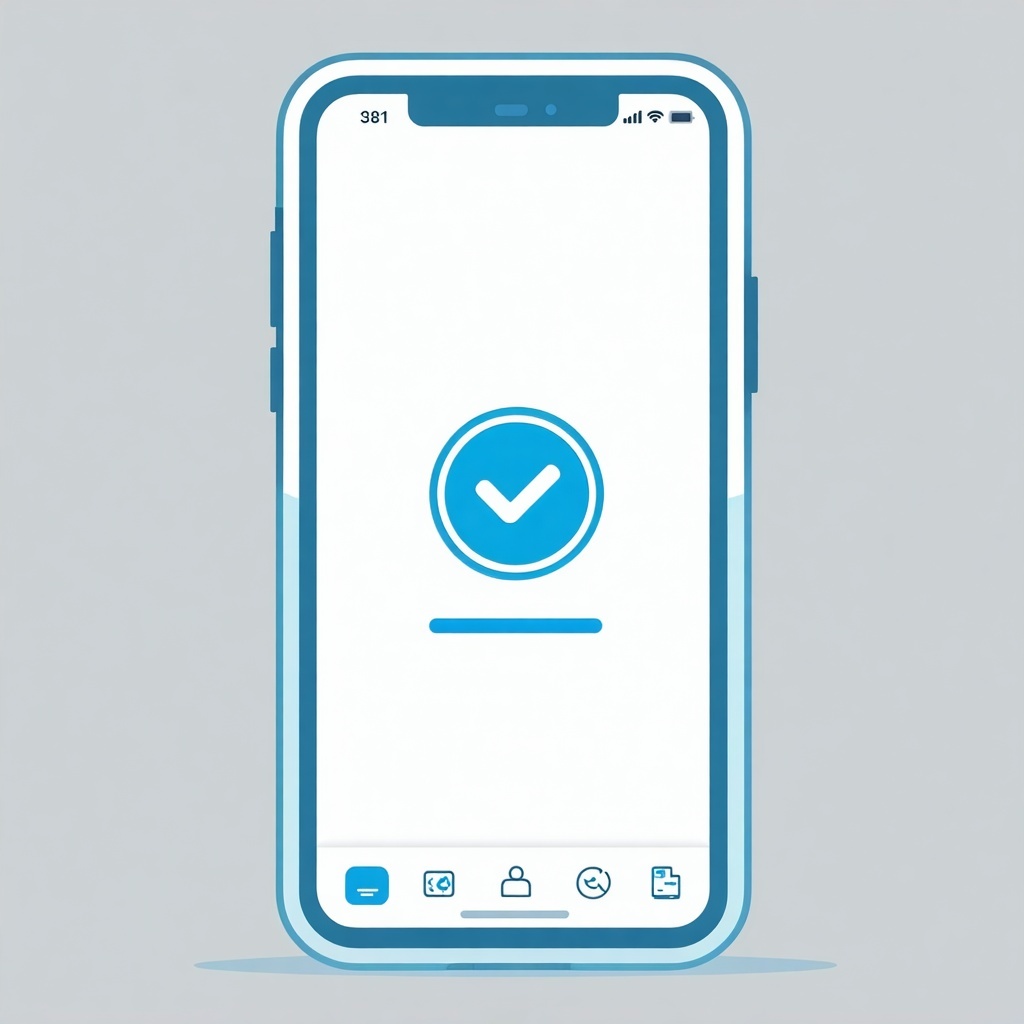
Mutli-Factor Authentication is a easy way to protect your sensitive data. Find out how it works in 5 steps:
The user initiates the login process by providing their username or email address.
The system prompts the user to provide the first factor, which is typically something they know, such as a password or PIN.
After the first factor is verified, the system prompts the user to provide an additional factor, which could be something they have, like a smartphone, or something they are, like biometric data (fingerprint or facial recognition).
The user provides the second factor, which is then validated by the system.
If both factors are successfully verified, the user is granted access to their account or system. However, if any of the factors fail to authenticate, access is denied, and the user may be prompted to try again or take alternative actions (such as password reset).
A way to significantly strengthen your password is to combine it with other factors: multi-factor authentication (MFA). MFA is critical in protecting businesses from identity theft and unauthorised access to company data. MFA usually comprises of three key elements:
As outlined above, one of the key advantages of multi-factor authentication is that each layer supplements and accounts for the others' weakness. For example, the password that the user knows may be weak and easily hacked. But with MFA, unless the hacker were to obtain the above three elements, a breach is highly unlikely. MFA strengthens your security and is essential for cybersecurity.
MFA also leads toward more compliance with international standards to protect the sensitive information of users, customers etc. For example, The General Data Protection Regulation (GDPR) does not specifically require MFA, but various provisions within the Security Rule highlights the need for a stronger authentication process. This process is none other than MFA.
Indeed, with cybersecurity trending as a top priority for many businesses, especially with the expansion of cloud technology, more and more companies are implementing MFA. Markets And Markets predicted that by 2022, the MFA market is set to reach USD 12.51 Billion. This shows that many organisations believe in the significant role MFA plays and how it is, right now, one of the best security measures you can implement to protect your company, your users, and their sensitive data.
Despite the clear security benefits, hardware-based MFA solutions like smart cards still face significant adoption hurdles in many organizations. This resistance is often rooted in the Total Cost of Ownership (TCO) and the substantial administrative burden.
The initial and operational costs are high, covering both implementation and ongoing maintenance. Organizations must budget for an annual replacement rate, often around 10% of smart cards, due to loss, wear, or theft. Furthermore, the long-term maintenance is complicated by vendor lock-in risks. After the initial purchase, companies frequently encounter increased follow-up costs or replacement fees because the original smart card models or associated components are discontinued or only available at a premium. Those who do not initially invest in vendor-independent smart card middleware are particularly susceptible to these unforeseen expenses and disruptive hardware replacements.
These factors inflate the TCO and can ultimately delay the essential deployment of MFA, prioritizing budget over security. This is why many organizations are now exploring alternatives, such as passwordless authentication methods. By utilizing software-based cryptographics (like FIDO2/WebAuthn), push notifications, or biometrics, these systems can often deliver comparable or superior security benefits while drastically reducing or eliminating the operational overhead, material costs, and logistical challenges associated with managing physical hardware tokens.
In sensitive industries such as healthcare, manufacturing and critical organisations, where the protection of data and systems is a top priority, securing passwords with modern authentication methods is essential, especially when cyber threats are omnipresent.
A traditional password is often no longer sufficient to protect sensitive company data. One of the most effective ways to increase password security is to implement multi-factor authentication (MFA). MFA combines several independent factors to verify a user's identity and prevent unauthorised access.
Special knowledge (password/PIN): This refers to information known to the user, such as a password, PIN or answers to security questions. Although passwords can be vulnerable to phishing attacks and data leaks, when combined with other factors, they form a solid basis for authentication.
Possession of an object (smart cards): These are physical or digital objects that the user possesses, such as a smart card, security token, smartphone with an authenticator app, or USB security key. These factors are particularly effective because an attacker would need to obtain not only the password but also physical possession of the object.
A special characteristic (biometrics): This category includes features such as fingerprints or facial recognition that are inextricably linked to the individual. Passkeys often use these factors directly on the end device (e.g. via Touch ID or Windows Hello) to release the private key, making authentication both secure and user-friendly.
In addition to these core factors, organisations can also incorporate contextual factors into their MFA strategy. These include:
Geolocation: Verifying the user's location to ensure they are logging in from a trusted location.
Device recognition: Identifying the device being used to log in to ensure that it is a known and trusted device.
Behavioural analysis: Monitoring user behaviour to detect unusual activity that could indicate a compromised account.
Identity and Access Management - our "smartcard middleware" and "virtual smartcard" offer.
Virtual smart cards (VCSs) imitates the same functionalities as a physical smart card, only they combine software and existing hardware, the Trusted Platform Module (TPM) which exists on many computers, to secure data. This makes VSCs significantly more time and cost-effective.
VSCs work like physical smart card readers with an already inserted card and are recognised as such by the Windows operating system without any additional setup. They are bound to the respective device (e.g. PC or laptop) and are used like a normal smart card for the authentication in various scenarios including: Windows user login, web applications, e-mail signature and encryption, file encryption, VPN dial-up and many more certificate-based applications.
Virtual smart cards effectively diminish password vulnerability and strengthens your IT protection.
Multi-factor authentication (MFA) is an indispensable security barrier in today's digital world. It is a crucial tool for companies to protect their sensitive data and systems from unauthorised access. By combining multiple independent authentication factors, MFA significantly increases security and minimises the risk of cyberattacks. Even if an attacker obtains a password, they still need additional factors to successfully log in.
MFA not only provides effective protection against phishing attacks and other threats, but also helps to fulfil compliance requirements and strengthens the trust of customers and business partners. At a time when cyber threats are becoming increasingly sophisticated, implementing MFA is an essential step for any organisation that takes its cyber security seriously. Investing in MFA is an investment in the security and future of your organisation.

1 min read
Cyber risk is a primary concern for every organization leveraging technology and online services. The constant threat of sophisticated attacks...
1 min read
The Australian Cyber Security Centre (ACSC) is an Australian Government intelligence and security agency who provides advice and assistance on...

1 min read
Entering into a new decade requires businesses and professionals to rethink, reconsider and update their approach to IT security and ensuring the...